recipe · windows office audit
LizardSystems Network Scanner, the share reckoning
Machines, printers, folders — and the permissions everyone forgot. One scan, sorted by damage potential.
checked 15 september 2026 · windows · free edition available
The office problem it solves
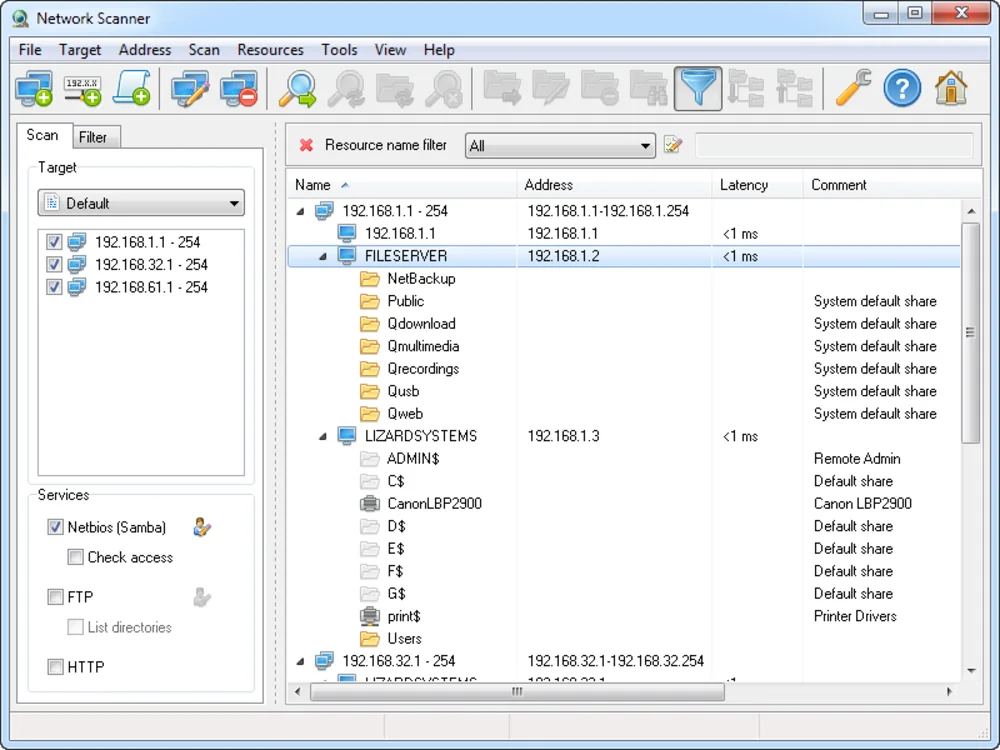
Windows networks grow shares like attics grow boxes. Each one was reasonable at the time. Network Scanner walks the LAN, lists every computer with its shares and printers, and then attempts each share with your current account — recording read and write outcomes. Sort by the write column and the audit writes itself.
The recipe
-
Scope the range
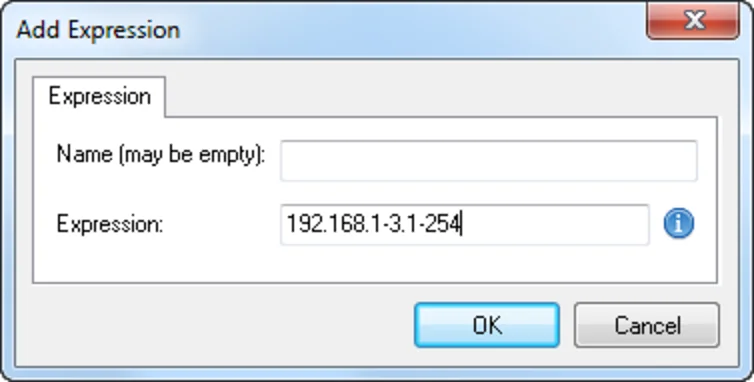
Your subnet, as range or CIDR. Multi-subnet sites: one pass each, results kept separate — mixing scopes muddies the report.
-
Enable resource detection
In options, switch on shared resources and the access check. Without those two ticks you get a name list, not an audit.
-
Scan from a standard account
Not admin. Results then describe the blast radius of an ordinary employee — the number risk decisions are made on.
-
Triage the write column
Writable and unmapped folders first. Read-only public shares can wait a sprint.
-
Export, fix, rescan
Save the HTML report, close the offenders, rescan to confirm empty write columns. Quarterly repetition is the whole defence — see the inventory method.
Recurring questions
What limits the free edition?
The count of computers returned per scan. A home workgroup may fit entirely; offices typically outgrow it fast — which is the point of the licence.
Can it export findings?
HTML, XML and text reports, built for handing over. Email beats narrating.
Does it need domain admin rights?
No, and running as a standard user gives the more honest picture: what a normal account can actually touch.